Written by Darren Trumeter, CEO of SyncMatters. Reviewed and approved by Tina Kepler, Chief Growth Officer, SyncMatters. Last updated: November 2026.
When HubSpot awardedSyncMatters its Quote-to-Cash Capability Badge, I wanted to explain what it actually means for companies moving their quoting, billing and payments into HubSpot Revenue Hub. After years of migrating revenue data between CRMs and ERPs, our team has learned that these projects rarely fail on features. They fail on data. This article covers what the badge recognizes, where quote-to-cash migrations break, and how we make sure your revenue history arrives intact.
The short answer: SyncMatters holds HubSpot's Quote-to-Cash Capability Badge. HubSpot gives this badge to partners with verified expertise in Revenue Hub: CPQ, billing and payments. Our specialty is the part most quote-to-cash projects underestimate. We move your products, price books, quotes, subscriptions and invoices into HubSpot Revenue Hub, then keep them in sync with ERPs like NetSuite and Microsoft Dynamics 365 Business Central. No scripts, no spreadsheets, no technical skills needed on your side.
SyncMatters earns HubSpot's Quote-to-Cash Capability Badge
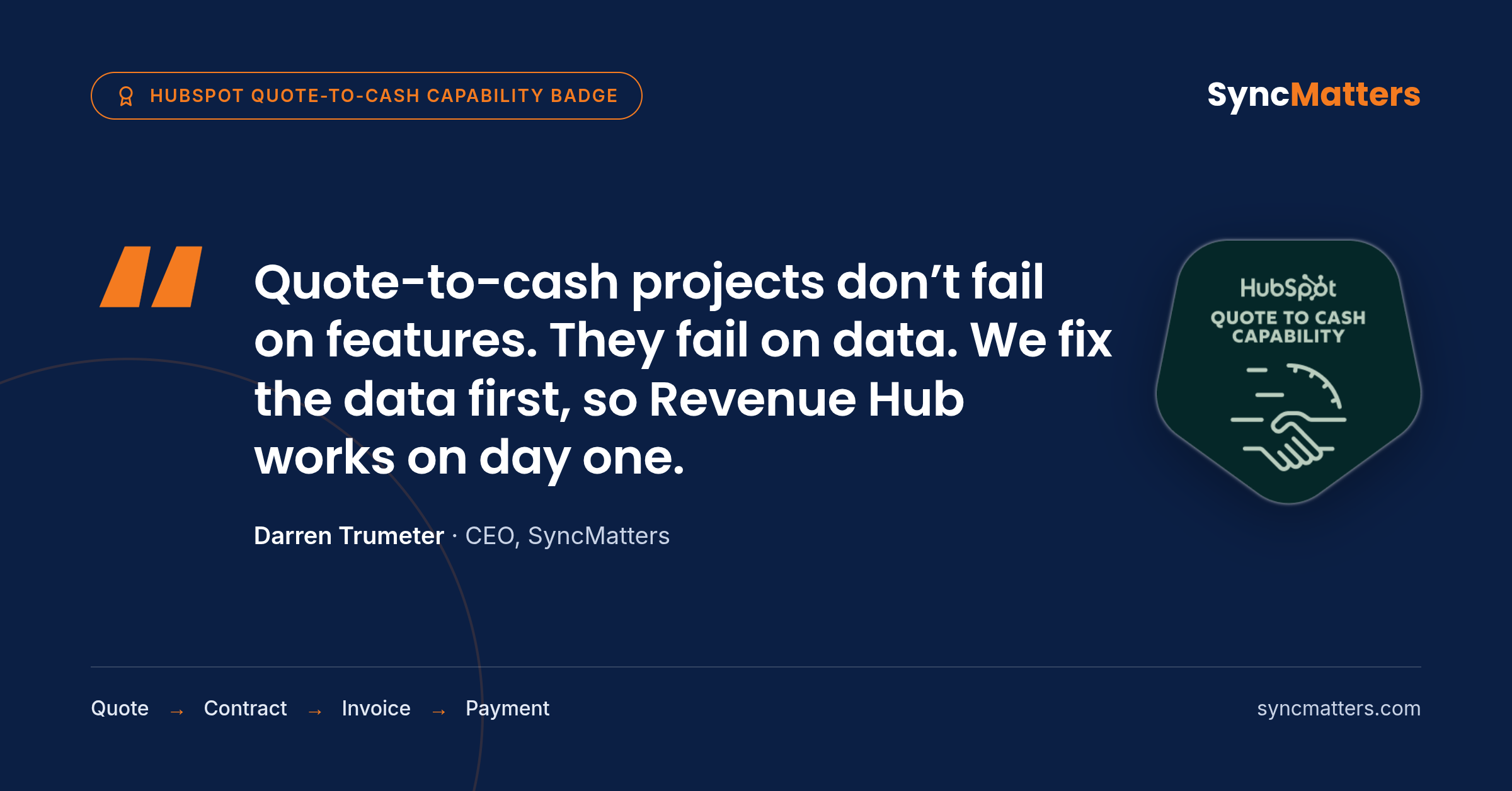
SyncMatters has been awarded HubSpot's Quote-to-Cash Capability Badge. You can verify it on our HubSpot Solutions Directory listing. The badge recognizes partners with a proven track record of connecting the full sales-to-finance lifecycle on HubSpot: quoting, approvals, contracts, billing and payments.

For us, the badge formalizes work we have done for years. SyncMatters is a Leading-tier HubSpot Technology Partner and ISO certified. We built MigrateMyCRM, which moves data between 50+ CRMs. We also run SyncMatters integrations, which connect HubSpot with ERPs, Salesforce and finance tools.
"Most quote-to-cash projects don't fail because HubSpot is missing a feature. They fail because the product catalog is a mess, historical quotes stay behind in the old CRM, and nobody agreed which system owns the invoice. We fix the data first, so Revenue Hub works on day one."
Darren Trumeter, CEO, SyncMatters
What is HubSpot's Quote-to-Cash Capability Badge?
The Quote-to-Cash Capability Badge is an organization-level credential HubSpot awards to partners with verified expertise in automating the sales-to-finance lifecycle. According to HubSpot's partner badges page, it recognizes proven experience, specialized technical knowledge and a dedicated focus on implementing Revenue Hub, including CPQ, billing and payments.
Three things make it different from a certification:
- It belongs to the company, not a person. One certified consultant leaving does not take the badge with them.
- It is earned on delivered projects. HubSpot looks for proven experience with real clients, not only exam scores.
- It is public and verifiable. HubSpot shows it on the partner's directory listing.
Why the badge matters now
HubSpot rebuilt this whole category in 2026. Commerce Hub became Revenue Hub, and CPQ, billing and payments now sit in one product. Many companies are moving their quoting and billing into HubSpot for the first time. The badge helps them tell apart partners who have done this before from partners learning on their project.
How to verify any partner's badge
- Open the HubSpot Solutions Partner Directory.
- Search for the partner by name.
- Check the badges on their listing for "Quote-to-Cash."
If a partner claims quote-to-cash expertise but the badge is not on their listing, ask them why.
Why quote-to-cash projects break on data, not features
HubSpot Revenue Hub can handle quoting, approvals, e-signature, invoicing and payments out of the box. The features are rarely the problem. The problem is the data you bring into it, and the systems it has to talk to after go-live. These are the six failure points we see most often.
1. Duplicate and inconsistent product catalogs
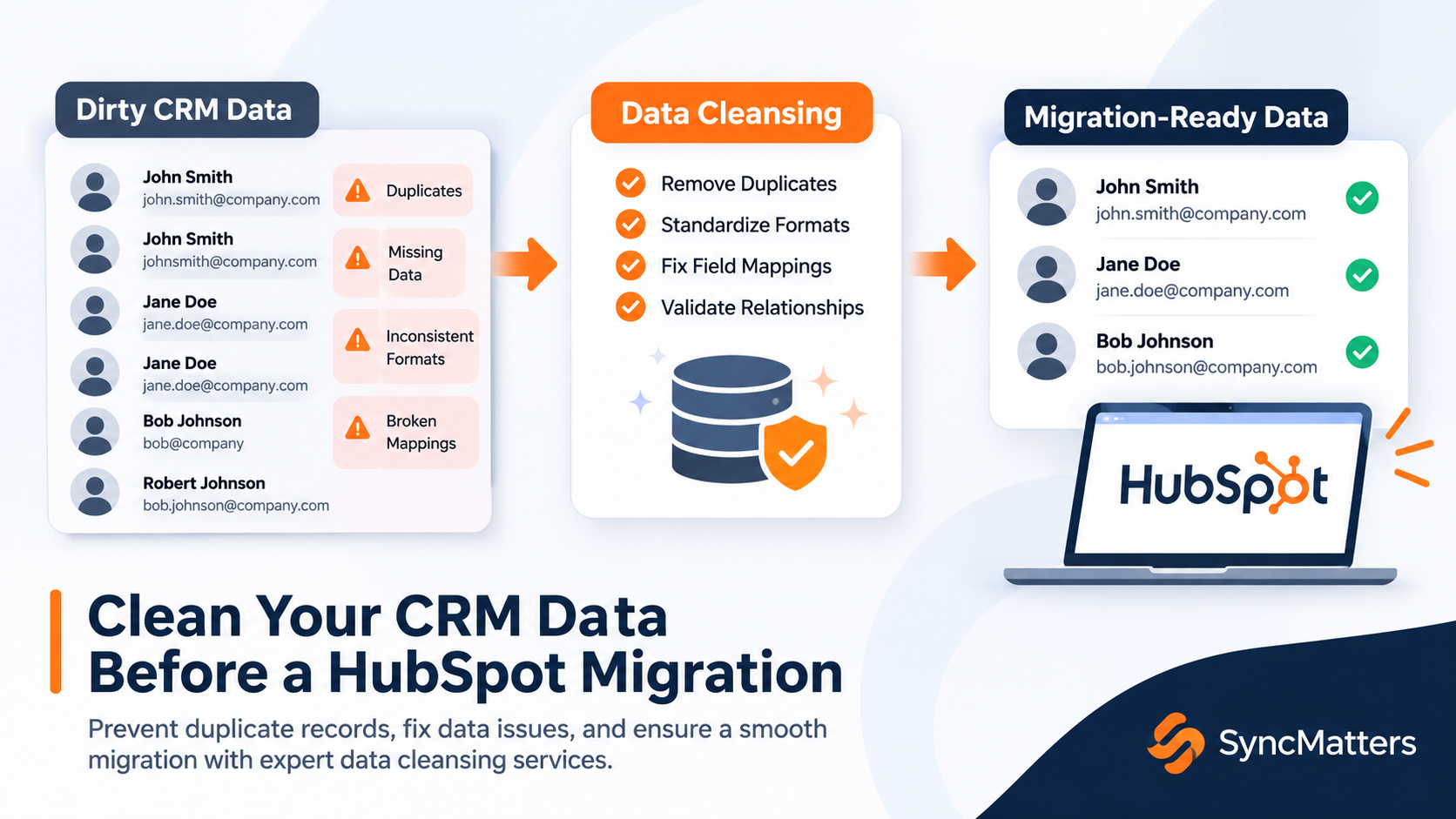
The same product often exists under three names: one in the old CRM, one in the ERP and one in a sales rep's spreadsheet. Import that into Revenue Hub and your quotes, reports and invoices will disagree from day one. Products need to be deduplicated and matched to one SKU before anything moves.
2. Price books and discount rules that live in people's heads
Volume tiers, regional pricing and "the discount we always give that client" are often undocumented. If they are not mapped into HubSpot price books and quote rules, reps fall back to manual edits and approvals stop working.
3. Historical quotes and line items left behind
Many projects migrate deals but not the quotes and line items under them. The result: win rates by product, average selling price and product revenue reports all reset to zero. Your history should come with you.
4. Subscriptions caught mid-term
Active subscriptions carry start dates, renewal dates, billing frequency and amendments. Move them wrong and renewals fire late, invoices double up or customers get billed at old prices. This is the highest-risk object in any Revenue Hub migration.
5. Invoices and payment status split between CRM and ERP
Finance usually keeps invoices and payments in the ERP. Sales wants to see them in HubSpot. Without a sync, both teams work from different numbers, and the "single source of truth" promise breaks.
6. No agreed system of record
Who owns the quote? The order? The invoice? The payment? If this is not decided before the project starts, two systems will overwrite each other. Every quote-to-cash build needs a simple ownership map before the first record moves.
What a HubSpot Revenue Hub migration actually moves

A Revenue Hub migration moves eight kinds of records, and each has its own trap. Use this table as a scoping checklist before you talk to any partner.
| Object | Typical source | Lands in HubSpot as | What to watch for |
|---|---|---|---|
| Products and SKUs | CRM product catalog, ERP item master | Product library | Duplicates, retired SKUs, mismatched units |
| Price books and tiers | CPQ tool, ERP, spreadsheets | Product prices, tiers, currencies | Regional and volume pricing, multi-currency |
| Quotes and quote line items | Salesforce CPQ, Pipedrive, Zoho, ERP | Quotes with line items | Linking each quote to the right deal and contact |
| Deals with line items | Any CRM | Deals with line items | Amount must match the sum of line items |
| Subscriptions and renewals | Billing tool, ERP, CRM custom objects | Subscriptions | Mid-term start and renewal dates, amendments |
| Invoices | ERP, accounting tool | Invoices | Which system issues the invoice after go-live |
| Payments and status | Payment processor, ERP | Payments, invoice status | Paid, partial and overdue states |
| Contracts and signatures | CPQ, e-signature tool | Quote signatures, attachments | Keeping signed PDFs attached to the right record |
Three paths into HubSpot Revenue Hub
Most companies arrive at Revenue Hub from one of three starting points. The right plan depends on which one is yours.
Path 1: From Salesforce CPQ
This is the most common trigger for mid-market and enterprise teams. Salesforce CPQ is powerful but expensive and slow to change, and many teams moving to HubSpot see it as the last thing holding them back.
The move works best in two stages. First, migrate products, price books, opportunities with line items and historical quotes into HubSpot.
Path 2: From another CRM
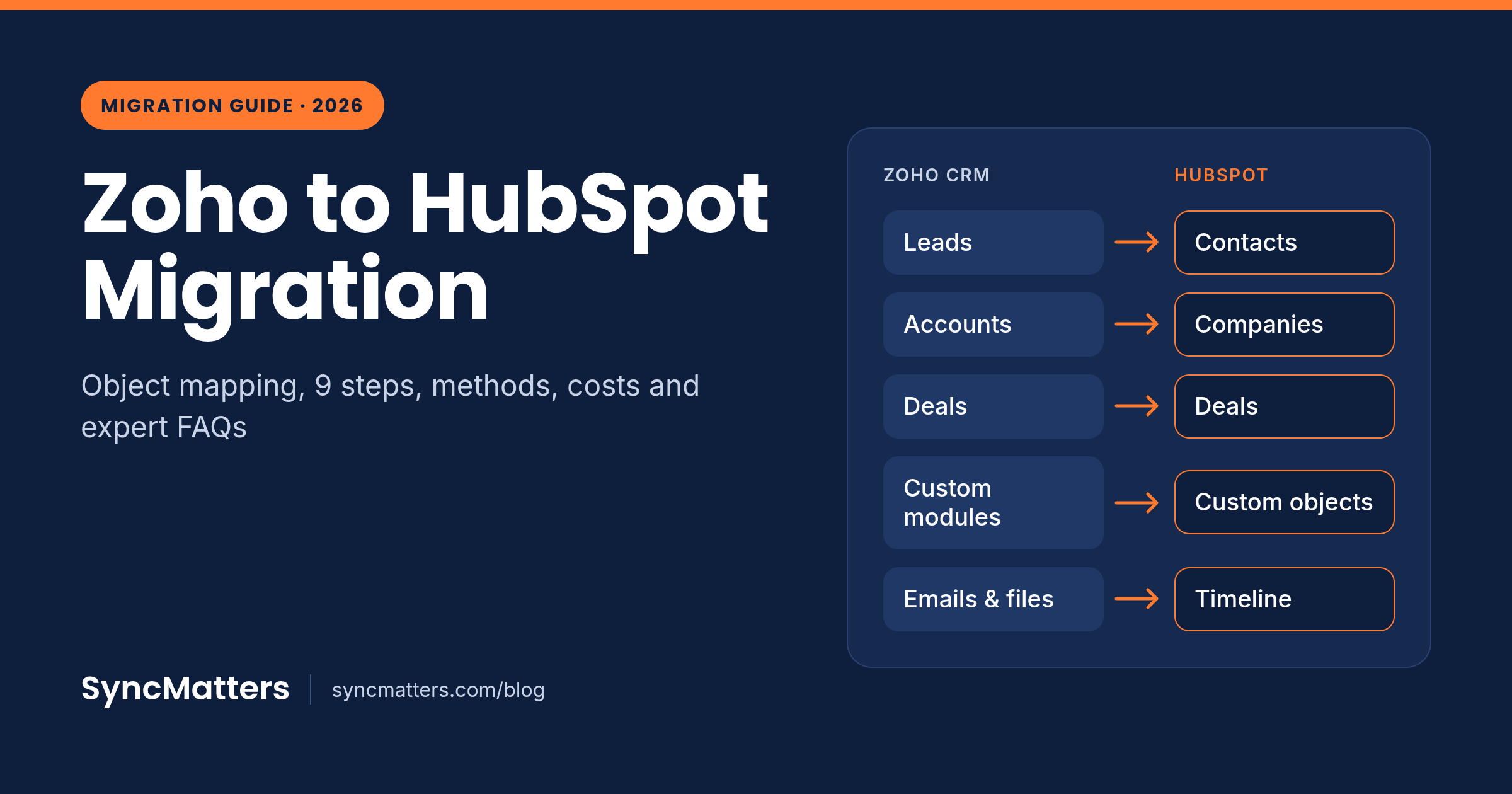
Teams moving from Pipedrive, Zoho, Dynamics 365 or another CRM often quoted in a separate tool or a spreadsheet. MigrateMyCRM moves data from 50+ CRMs into HubSpot, including deals, products and line items, so your quoting history is not rebuilt by hand. The setup is guided and automated: you map, you test, you launch.
Path 3: From ERP-led quoting (NetSuite, Business Central)
Some companies quote and invoice inside the ERP. The question here is not only "how do we migrate?" but "what should live where?" A common answer: quotes move into HubSpot so sales can work faster, while orders, invoices and revenue recognition stay in the ERP. SyncMatters integrations then sync quotes, orders, line items and invoice status both ways.
How SyncMatters delivers quote-to-cash on HubSpot
We run every Revenue Hub project in five steps. We automate everything that takes thinking and human time, so your team reviews and approves instead of building.
- Revenue data audit. We scan your source systems for duplicate products, orphaned quotes, open subscriptions and unpaid invoices. You get a clear list of what needs cleaning before anything moves.
- Mapping and system-of-record design. Together we decide which system owns each object: product, quote, order, invoice, payment. Then we map every field to its place in HubSpot.
- Test migration. We move a sample of your data into HubSpot so you can check real quotes, line items and subscriptions before the full run.
- Full migration and integration. MigrateMyCRM moves the full dataset. SyncMatters integrations then connect HubSpot with your ERP, billing or Salesforce, so data stays in sync after go-live.
- Reconciliation and go-live. We compare totals between the old and new systems: deal amounts, quote values, subscription counts, open invoices. Your reports work on day one.
"Before any revenue data cutover, my team checks three things: every quote still adds up to its line items, every active subscription keeps its renewal date, and every open invoice has the same balance on both sides. If one number is off, we don't go live."
Lucy Gisa Muganwa, Team Lead, Data Operations, SyncMatters
Typical timeline: [X–Y weeks], depending on data volume and the number of connected systems.
Why teams trust SyncMatters
- HubSpot Quote-to-Cash Capability Badge
- Leading-tier HubSpot Technology Partner
- ISO certified data handling
- MigrateMyCRM: migrations between 50+ CRMs
How to choose a HubSpot quote-to-cash partner
Ask every partner on your shortlist these six questions. A strong partner answers yes to all of them.
- Do they hold the Quote-to-Cash Capability Badge, and can you see it on their HubSpot directory listing?
- Can they migrate historical quotes, line items and subscriptions, or only set up new ones?
- Do they handle ERP and billing sync after go-live, or hand you off to another vendor?
- Do they run a test migration before the full cutover?
- Do they reconcile totals between the old and new systems before go-live?
- Can they show a quote-to-cash project with a stack similar to yours?
Frequently asked questions
What is the HubSpot Quote-to-Cash Capability Badge?
It is an organization-level credential HubSpot awards to partners with verified expertise in Revenue Hub: CPQ, billing and payments. It shows a partner has delivered connected sales-to-finance projects for real clients.
Which HubSpot partners have the Quote-to-Cash badge?
You can check any partner on the HubSpot Solutions Partner Directory. SyncMatters holds the badge and specializes in Revenue Hub migrations and ERP integrations.
What is HubSpot Revenue Hub? Is it the same as Commerce Hub?
Revenue Hub is the new name for HubSpot Commerce Hub. It brings quotes, CPQ, subscriptions, invoices and payments into one HubSpot product.
Can I migrate quotes, products and subscriptions into HubSpot Revenue Hub?
Yes. SyncMatters migrates products, price books, quotes with line items, subscriptions and invoices into HubSpot, and runs a test migration first so you can check the results.
How do I move from Salesforce CPQ to HubSpot?
Migrate products, price books, opportunities with line items and historical quotes first. If you need both systems during the transition, keep them in sync with an integration until cutover.
Should quotes live in HubSpot or in NetSuite or Business Central?
Often quotes live in HubSpot, where sales works, while orders, invoices and revenue recognition stay in the ERP. A two-way integration keeps both sides aligned.
How long does a HubSpot Revenue Hub migration take?
A typical project takes [X–Y weeks]. Timing depends on data volume, data quality and how many systems need to stay connected.
Do I need technical skills to migrate to Revenue Hub with SyncMatters?
No. The migration is guided and automated. Your team reviews mappings and approves results; we handle the rest.
Ready to move your quote-to-cash into HubSpot?
Start with a free Revenue Hub readiness audit. We review your products, quotes, subscriptions and invoices, and show you exactly what needs to move, what needs cleaning and how long it will take.