Most HubSpot teams don't run on HubSpot alone. Quotes are built in a CPQ tool, support tickets sit in a help desk, field jobs are scheduled in a service platform, and industry data comes from yet another source. Every one of those systems holds a piece of the customer story, and every handoff between them is a chance for information to go stale, get re-typed, or simply get lost.
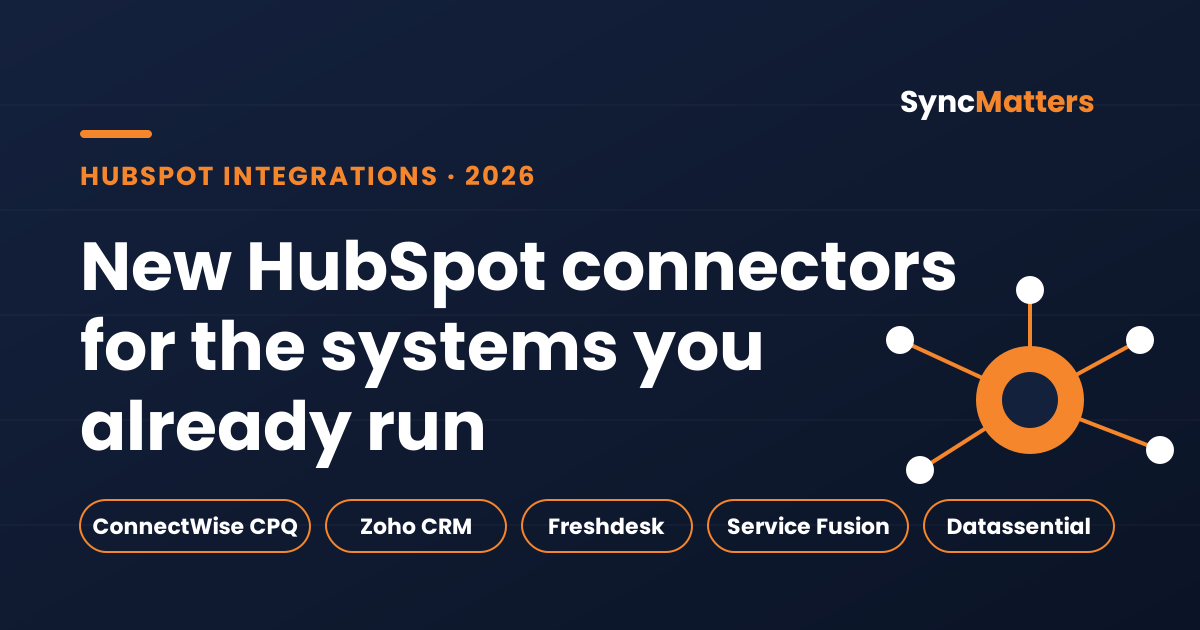
That gap is what integrations are meant to close. A well-built connection keeps records in step automatically, so the sales rep looking at a deal can see the quote that was actually sent, the support history behind an account, and the field work that was completed last week. In 2026, SyncMatters expanded its library of connectors to cover several systems that our customers ask about most often. This article explains what each new connector does, who it's for, and how to decide whether it fits your stack.
Why connectors matter more than ever for HubSpot teams
HubSpot is strong at the front of the customer relationship: marketing, sales pipeline, and service workflows all live in one CRM. But many companies run specialized tools for work that HubSpot doesn't natively handle, such as complex quoting, industry-specific operations, or field service dispatch. When those tools don't talk to HubSpot, teams compensate with spreadsheets, copy-and-paste routines, and periodic exports. Those workarounds are slow, error-prone, and out of date the moment they're finished.
There is also a reporting cost. If a deal in HubSpot doesn't reflect the quote in your CPQ system, pipeline forecasts drift away from reality. If support history isn't visible to account managers, renewal conversations start from scratch. Connectors don't just save time on data entry. They make the CRM trustworthy enough to base decisions on.
Choosing the right connector comes down to three questions. Where does the source of truth live for each type of data? Which direction should the data flow, one way or both? And how quickly does the other team need to see changes? Answering these before setup saves a lot of rework later.
ConnectWise CPQ: keeping quotes and deals aligned
ConnectWise is widely used by managed service providers, IT services firms, and other technology companies that sell configured packages and recurring services. Its CPQ (configure, price, quote) functionality is where many of those deals are shaped. When the quote lives in one system and the deal lives in HubSpot, sales and finance teams end up comparing two versions of the same opportunity.
Our ConnectWise CPQ connector went into production in late January 2026. It allows quoting data to move between CPQ and HubSpot, so the commercial details that sales built in CPQ show up alongside the deal record instead of being re-entered by hand. This reduces errors in pricing and makes it easier for account teams to pick up a deal mid-stream.
This connector is a strong fit if your sales motion depends on configured quotes and your deal reviews need accurate figures. It is also useful for operations teams who need to confirm what was promised to a customer before an order is handed off for delivery. Before you start, identify which quote fields need to map to HubSpot deal properties, and agree on which system wins if the two disagree. Settling that ownership question early keeps the integration predictable.
Zoho CRM v2: supporting the move from Zoho to HubSpot
Zoho CRM is a common starting point for growing businesses, and many of them eventually move to HubSpot as their marketing, sales, and service needs expand. The transition is rarely instant. Teams often run both systems for weeks or months while they retrain staff, rebuild workflows, and validate data. During that period, having Zoho and HubSpot disagree about contacts, owners, or deal stages creates real confusion.
Our Zoho CRM v2 connector supports the newer version of the Zoho CRM API and is now in active use with customers who need the two systems kept in sync during consolidation. Because it works with the current API generation, it is better suited to ongoing operation than a one-time copy of data.
If you're planning a Zoho to HubSpot move, think about the sync as a bridge, not a permanent setup. Decide which system owns each object during the transition, such as contacts or accounts, and when ownership flips. Map owner records carefully, since users rarely have identical names or IDs across platforms. Once the cutover is complete, the connection can be retired in a planned way. Our connectors page lists supported systems and can help you check whether your Zoho setup matches what we support.
Freshdesk: giving account teams the support picture
Freshdesk is a help desk used by support teams across many industries. It holds the record of every conversation, escalation, and resolved issue for a customer. Yet in most companies, that history stays with the support team, while sales and account managers make decisions about renewals, upsells, and expansion without it.
The Freshdesk connector went into production in early March 2026. It makes support data available in the HubSpot records account teams already use, so an account owner preparing for a renewal call can see recent tickets, open issues, and patterns without asking support for an export.
The benefit goes both ways. Support agents who can see deal stage, account value, or recent sales commitments can prioritize tickets more sensibly. To get the most from it, agree on which fields matter to each team before you start. Too much data creates noise, and the goal is to surface the few support signals that change how someone talks to a customer. Teams that define this early tend to get value from the integration within the first few weeks.
Service Fusion: one view of field service customers
Service Fusion is a field service management platform used by home services and trades businesses to schedule jobs, dispatch technicians, and manage invoicing. Field work generates a lot of valuable customer information: which equipment was serviced, how often a customer calls, which jobs led to additional work. That information is often the strongest signal for growth, yet it rarely reaches the people who sell.
Our Service Fusion connector was developed and tested in the first half of 2026. Connecting it to HubSpot lets sales and service leaders see customer relationships in one place, whether a customer is buying a new service, renewing a maintenance plan, or having an issue that needs attention.
Field service data has a few quirks worth planning for. Customer records in field systems don't always map neatly to HubSpot companies, so matching rules matter. Some data is updated during the day as technicians close out jobs, so you should set expectations about how current the information needs to be. Starting with a small set of objects, such as customers and completed jobs, and expanding after you've validated the data, is usually the safest path.
Datassential: industry data for food and beverage
Datassential provides industry data and insights for the food and beverage sector. For companies that sell into that market, knowing the characteristics of operators, locations, and categories is valuable for segmentation, territory planning, and prospecting. The challenge is that this data typically lives outside the CRM, which means reps and marketers work from exports that quickly become outdated.
Our Datassential connector went into production in April 2026. It brings that industry data into HubSpot, so segmentation and reporting use current information rather than a snapshot from months ago. For food and beverage businesses, it reduces the manual work of matching external data to CRM records.
Matching is the key step with industry data. External identifiers rarely line up perfectly with the company records already in your CRM, and duplicate or legacy records can lead to incorrect matches. Before turning on a sync, clean up the obvious problems in your HubSpot company records, such as missing identifiers, duplicate companies, and inconsistent naming. A short audit at the start usually saves hours of cleanup later.
How to choose the right integration for your business
With five connectors to consider, it helps to step back and look at your own operation. Start by listing the systems that hold customer-facing data but aren't HubSpot. For each one, write down what information the other teams need to see and how often it changes. A quote that changes daily needs a different approach from a support history that is reviewed once a month.
Next, decide the direction of each connection. Some integrations work best one way, with a system such as Freshdesk feeding context into HubSpot. Others need two-way sync, such as a quoting system where both sides can update deal values. Two-way sync gives flexibility but requires clear rules for conflicts. When in doubt, start one way and add the reverse direction only when the use case is proven.
Finally, plan for data quality before you connect anything. Integrations amplify whatever is already in your systems, including duplicates, inconsistent naming, and missing fields. A brief review of your key objects, such as companies, contacts, and deals, will make the integration more reliable from day one. It is also worth reviewing permissions and scopes in HubSpot, since some connections need specific access granted to the integration app.
Questions to ask before you start
Before committing to an integration project, it helps to get clear answers to a few practical questions. Which team owns the source system, and who will maintain the connection when something changes? What is the expected volume of records, and how often will they sync? Which fields are required for the integration to function, and which are nice to have? What happens if a record fails to sync, and who gets notified?
Testing deserves its own step. Run the integration against a sandbox or a small subset of records first, and check the results carefully. Look for unexpected duplicates, fields that didn't map as intended, and timing issues where one system is ahead of the other. Only after the test results look right should you expand to the full dataset.
You should also plan for change. Source systems add fields, change APIs, and occasionally deprecate features. Assign someone to review integration health regularly, rather than waiting for a team to notice that data has stopped flowing. Monitoring is a small investment that prevents a lot of downstream confusion.
What's next
The connectors covered here are part of a broader effort to make HubSpot the place where a customer's full story lives, regardless of where the work happens. As new systems come online, we'll keep documenting what each one does and who benefits most. If you want to see which connectors are available today, check our connectors page, and if your system isn't listed, ask us about it.
Talk to us about your integration
Every business has a different mix of systems, data, and goals. If you're deciding which connection to build first, or whether an integration can support a migration you're planning, we're happy to look at your setup with you. We can confirm whether a connector is ready, outline what it would take to sync your data, and estimate the setup effort. You can also explore how our migration tools work if you're moving data from another CRM entirely.
Ready to connect your systems? Reach out to the SyncMatters team and tell us which tools you use and what you want to keep in sync. We'll help you map out the right approach.