
Table of Content
- HubSpot DocuSign Integration: Complete Overview
- Step-by-Step Guide: Setting Up DocuSign in HubSpot
- Key Advantages of HubSpot DocuSign Integration
- Core Features That Make This Integration Powerful
- Common Integration Challenges and Solutions
- Best Practices for Maximizing Your Integration
- When Standard Integration Isn't Enough: Enter SyncMatters
Struggling to keep your documents organized and signed on time? This guide explains how HubSpot DocuSign integration works, its key features, benefits, and best practices to help you streamline workflows and close deals faster.
HubSpot DocuSign Integration: Complete Overview
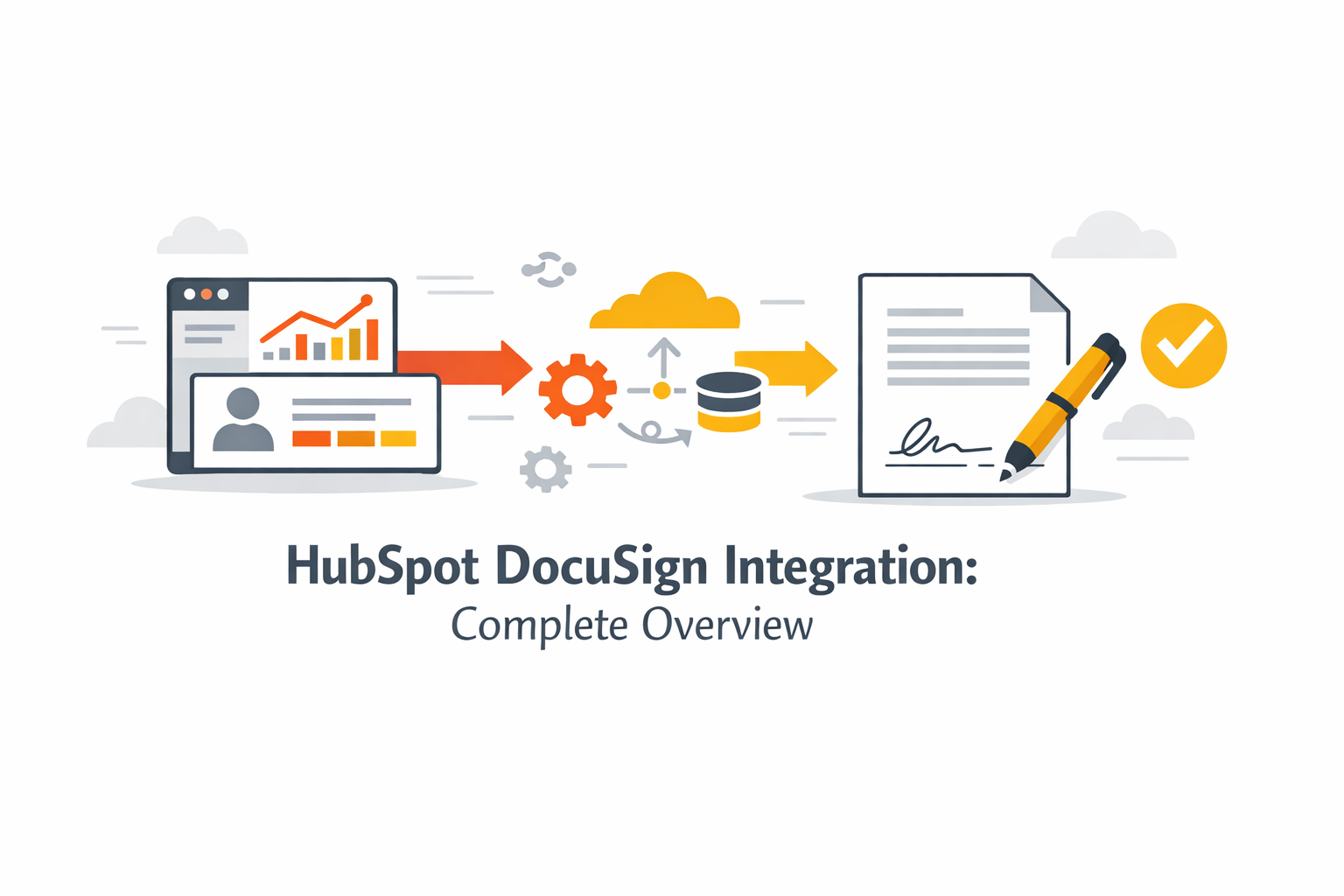
The HubSpot DocuSign integration lets you manage and sign documents directly within HubSpot. By connecting DocuSign with HubSpot, you can send contracts to the right recipient quickly, using custom fields if needed, and automate your workflow.
Once set up, all signatures, status updates, and tracking are visible in HubSpot. This integration reduces manual steps, speeds up approvals, and keeps your documents secure while simplifying your CRM-based processes.
Step-by-Step Guide: Setting Up DocuSign in HubSpot
Setting up the DocuSign HubSpot integration is straightforward if you follow these steps carefully. This guide ensures your documents, signatures, and workflows run smoothly within HubSpot.
Step 1. Verify Your Account Requirements
Before starting, make sure you have active HubSpot and DocuSign accounts with the necessary permissions. Check that your subscription levels support integration and automation features.
Step 2. Access HubSpot App Marketplace
Log in to HubSpot and open the App Marketplace. Search for DocuSign to locate the official integration app.
Step 3. Install DocuSign Integration
Click Install and follow the prompts. HubSpot will add DocuSign to your account so you can start connecting templates and workflows.
Step 4. Authenticate and Connect Accounts
Sign in to your DocuSign account through HubSpot. This step securely links the platforms and allows data to flow between them.
Step 5. Configure Template Mapping
Map DocuSign templates to HubSpot deal records. You can customize which fields sync, including custom fields, so every document has the correct client information. A typical field mapping table may look like this:
|
DocuSign Field |
HubSpot Field |
Sync Direction |
|
Recipient Name |
Contact Name |
Two-way |
|
Recipient Email |
Contact Email |
Two-way |
|
Signature |
Signed Document |
One-way |
|
Date Signed |
Close Date |
One-way |
|
Custom Field 1 |
Deal Custom Field |
Two-way |
Step 6. Set Up Document Workflows
Use HubSpot automation to send documents at key stages. Automated workflows ensure the right recipient receives contracts without manual intervention.
Step 7. Test Your Integration
Finally, run a test to verify that documents, signatures, and data sync correctly. When testing your DocuSign HubSpot integration, follow these steps to ensure everything works smoothly:
- Send a test document to a sample recipient.
- Confirm that the document appears in the correct deal record in HubSpot.
- Verify that signatures and dates are captured accurately.
- Check that any custom fields map correctly between DocuSign and HubSpot.
Ensure automated workflows trigger as expected when the document is sent, signed, or completed.
Completing these checks confirms that your integration is set up correctly and ready for real-world use.
Key Advantages of HubSpot DocuSign Integration
The HubSpot and DocuSign integration offers several benefits that simplify document workflows, improve efficiency, and enhance the customer experience. By connecting the two platforms, your team can work more effectively and ensure contracts are handled quickly and securely.
Accelerated Deal Closing
With the integration, sending, signing, and tracking documents happens directly within HubSpot. This allows your team to seamlessly manage agreements and approvals, reducing delays and helping you close deals faster. You can also track DocuSign status in real time, so you always know when a document is signed or pending.
Centralized Document Management
HubSpot and DocuSign integration keeps all your documents organized in one place, making it easier to access and manage them. Key benefits include:
- Store contracts and signed agreements directly in HubSpot.
- Link documents to deal records for quick reference.
- Access custom fields and template data without switching platforms.
- Seamlessly track DocuSign signatures and statuses within HubSpot.
Enhanced Customer Journey
By automating document workflows, the integration improves the overall client experience. Customers receive documents faster, can sign them digitally, and avoid unnecessary back-and-forth. With HubSpot and DocuSign integration, every step of the signing process is smoother, ensuring a professional and efficient journey from first contact to deal closure.
Core Features That Make This Integration Powerful
The DocuSign and HubSpot integration offers features that streamline document workflows, improve visibility, and accelerate your sales processes. By using this integration, you can connect DocuSign with HubSpot in a way that supports your team’s efficiency and keeps all data centralized.
Automated Document Sending
With automated document sending, you can trigger agreements, contracts, or proposals directly from HubSpot. Using integration settings, documents are sent to the correct recipient at the right stage, reducing manual work and ensuring faster turnaround times.
Real-Time Status Tracking
The integration provides real-time updates on every document. You can see who has received, opened, or signed each document without leaving HubSpot. A typical status tracking setup may look like this:
|
Document Status |
HubSpot Field |
Description |
|
Sent |
Document Sent Date |
Shows when the document was sent |
|
Viewed |
Document Opened |
Indicates the recipient has opened the document |
|
Signed |
Date Signed |
Confirms the document is fully signed |
|
Declined |
Status |
Shows if the recipient declined to sign |
|
Completed |
Status |
Document signing process is complete |
Seamless CRM Data Sync
All signed documents, status updates, and custom fields sync automatically with HubSpot. This ensures your sales processes are accurate, and your team can access all information directly in each deal record.
Multi-Party Signing Capabilities
The integration supports multiple signers, allowing contracts or agreements to be sent to several recipients in sequence or parallel. Connect DocuSign with HubSpot to handle complex signing workflows while keeping the process simple for your team and clients.
Common Integration Challenges and Solutions
Even with the DocuSign integration with HubSpot, some challenges can arise. Knowing them in advance helps your team work more efficiently.
Template Synchronization Issues
Sometimes templates don’t sync correctly between DocuSign and HubSpot, causing missing fields or incorrect property values. To fix this, double-check your template mappings and ensure that envelope information aligns with the corresponding HubSpot deal or contact fields. Proper setup ensures templates and documents work seamlessly across the platforms.
Permission and Access Problems
Users may face issues if they don’t have the right access in HubSpot or DocuSign. Make sure all team members have the necessary permissions to send, edit, and track documents. Correct access ensures that envelope information and updates flow smoothly, allowing the DocuSign integration with HubSpot to work seamlessly without delays or errors.
Best Practices for Maximizing Your Integration
To get the most from your DocuSign integration HubSpot, follow these best practices. They help reduce friction in document workflows and make it easier to select and send agreements quickly:
- Ensure all templates are properly mapped to HubSpot fields.
- Use custom fields to capture key client information.
- Automate document workflows for recurring processes.
- Regularly verify user permissions and access levels.
- Test the integration periodically to confirm everything works seamlessly.
When Standard Integration Isn't Enough: Enter SyncMatters
When the standard HubSpot-DocuSign integration doesn’t cover all your needs, SyncMatters will make it easier for you and your team. Syncmatters helps you select and send documents directly from your CRM platform and reduces friction in your workflow, keeping everything simple and organized.



.svg)



