
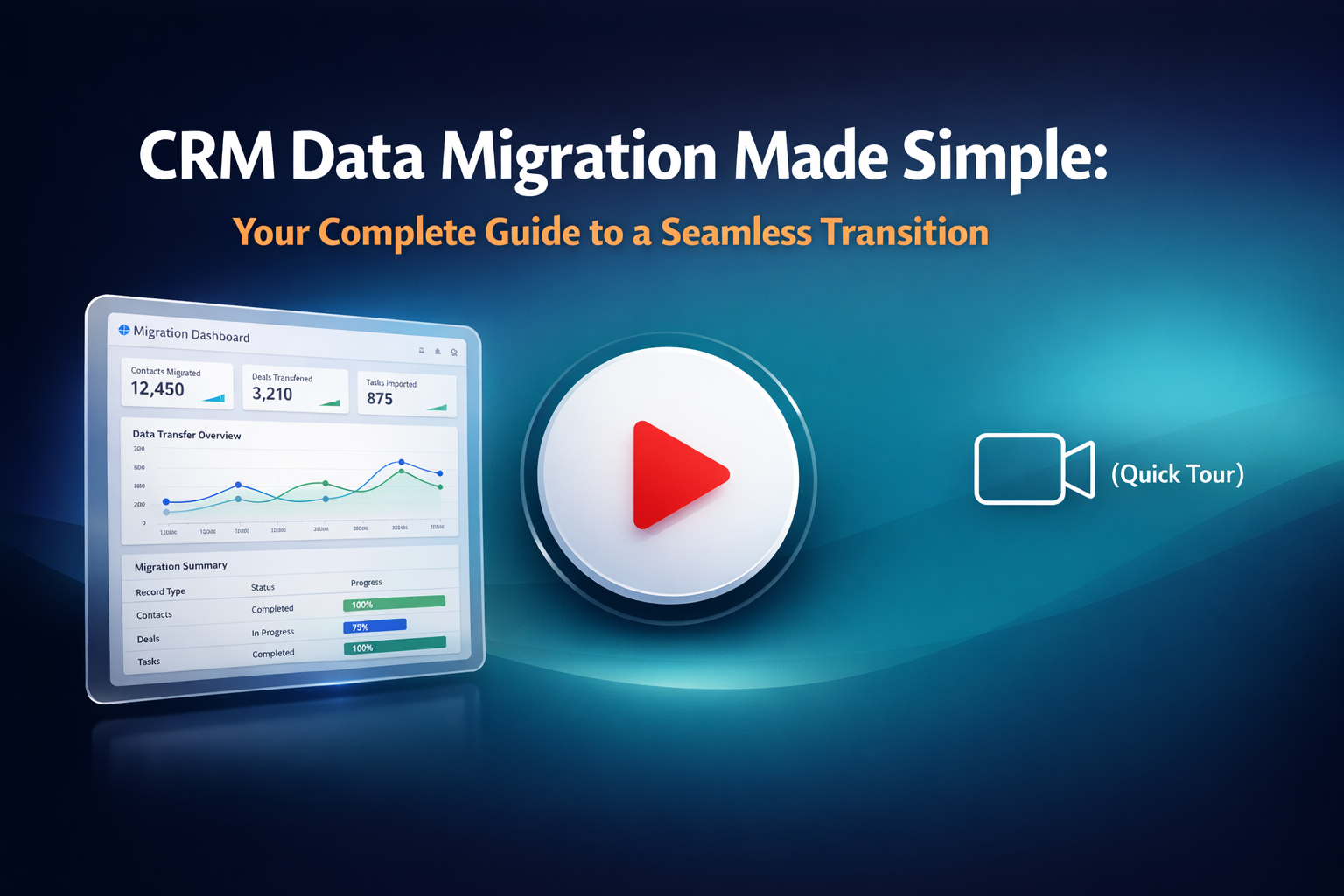
Imagine you're moving to a new home. You research mortgages, fix up your old place, and carefully pack your belongings. But on moving day, disaster strikes—your favorite couch won't fit through the door. Suddenly, what seemed straightforward becomes complicated.
CRM data migration works much the same way. Your new CRM system is like that new home, and your business records are the furniture. Without proper planning, even the best data can become a frustrating mess that doesn't quite fit. The good news? With the right preparation and tools, your CRM migration can be smooth, efficient, and stress-free.
Why Proper Data Preparation Matters
Before you start moving data between systems, ask yourself these critical questions:
- Have I removed all duplicates and unnecessary records?
- Are naming conventions consistent across my database?
- Are all records complete with the information I need?
- Have I identified all record owners?
Addressing these questions upfront prevents headaches later and ensures your new CRM starts off on the right foot.
Your 8-Step CRM Migration Checklist
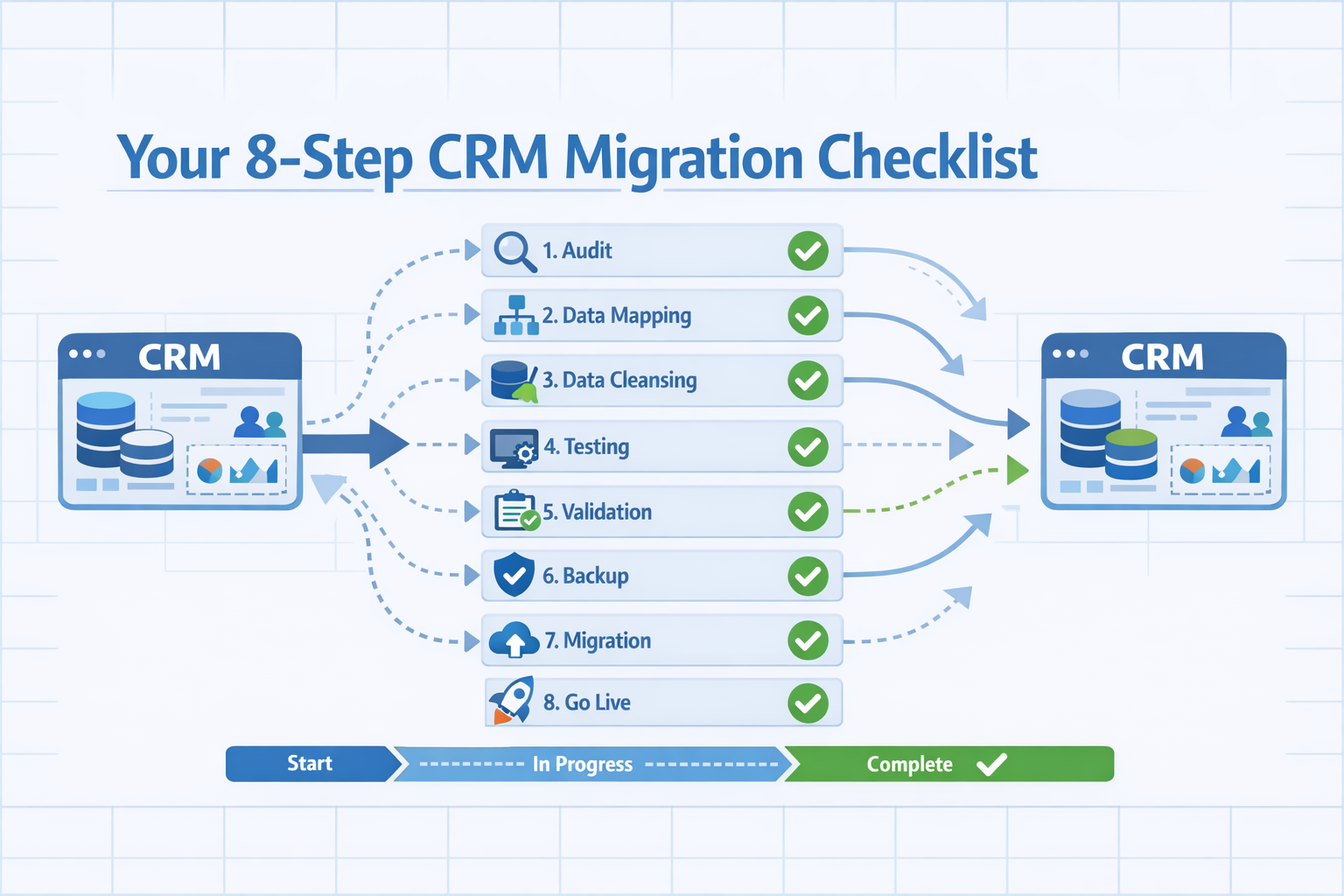
1. Select the Right Platform
Start by researching CRM solutions that align with your business goals. Look for feature-rich platforms that offer efficient client data management and smooth workflows. Take advantage of free trials to test-drive options before committing—this ensures the system truly fits your needs.
2. Clean Up Your Records
Before migrating anything, understand your current database structure and maintenance rules. Define which record types are vital to your business. Merge or remove incomplete duplicates to keep your data unique and clear. Think of this as decluttering before a move—why bring junk to your new home?
3. Get Organized
Create or update data management rules for your team. Logical organization is key. For example, if your business uses sales territories, ensure all leads, contacts, and accounts are properly sorted by geography. Consistent organization now means easier management later.
4. Know Your Data Inside and Out
Identify which modules you want to migrate and analyze how your current CRM differs from your new one. Do you really need those old appointment records from three years ago? Decide what's essential and what can be left behind. Historical data has value, but not all of it needs to make the journey.
5. Map Your Data Structure
After optimizing your current data, compare it with your new CRM's structure. Account for custom fields and investigate entity naming conventions. Create custom data fields in your new system that match your existing setup—this ensures nothing gets lost in translation.
6. Choose Your Migration Tool
You have two options: manual migration using CSV files or automated migration services. Manual migration works for small datasets but becomes time-consuming and error-prone at scale. For most businesses, automated services deliver better results with less hassle.
This is where MigrateMyCRM shines. Their Migration Wizard handles CRM relocation in just a few clicks, offering sophisticated data mapping that lets you customize field transfers and monitor accuracy before the actual migration begins. Best of all, it operates without disrupting your current platform—your team keeps working while your data moves seamlessly.
7. Test Before You Commit
Always take advantage of free trials or demos. Test with a large enough data sample to identify potential errors. MigrateMyCRM offers a free Sample Migration that lets you validate the process risk-free. Think of it as a dress rehearsal—you'll spot issues before they become problems.
8. Schedule Your Migration
Once preparation is complete, refine your plan, choose a transfer date, and finalize your timeline. Understanding all process characteristics and potential issues ensures a smooth migration day.
Flexible Pricing That Adapts to Your Needs
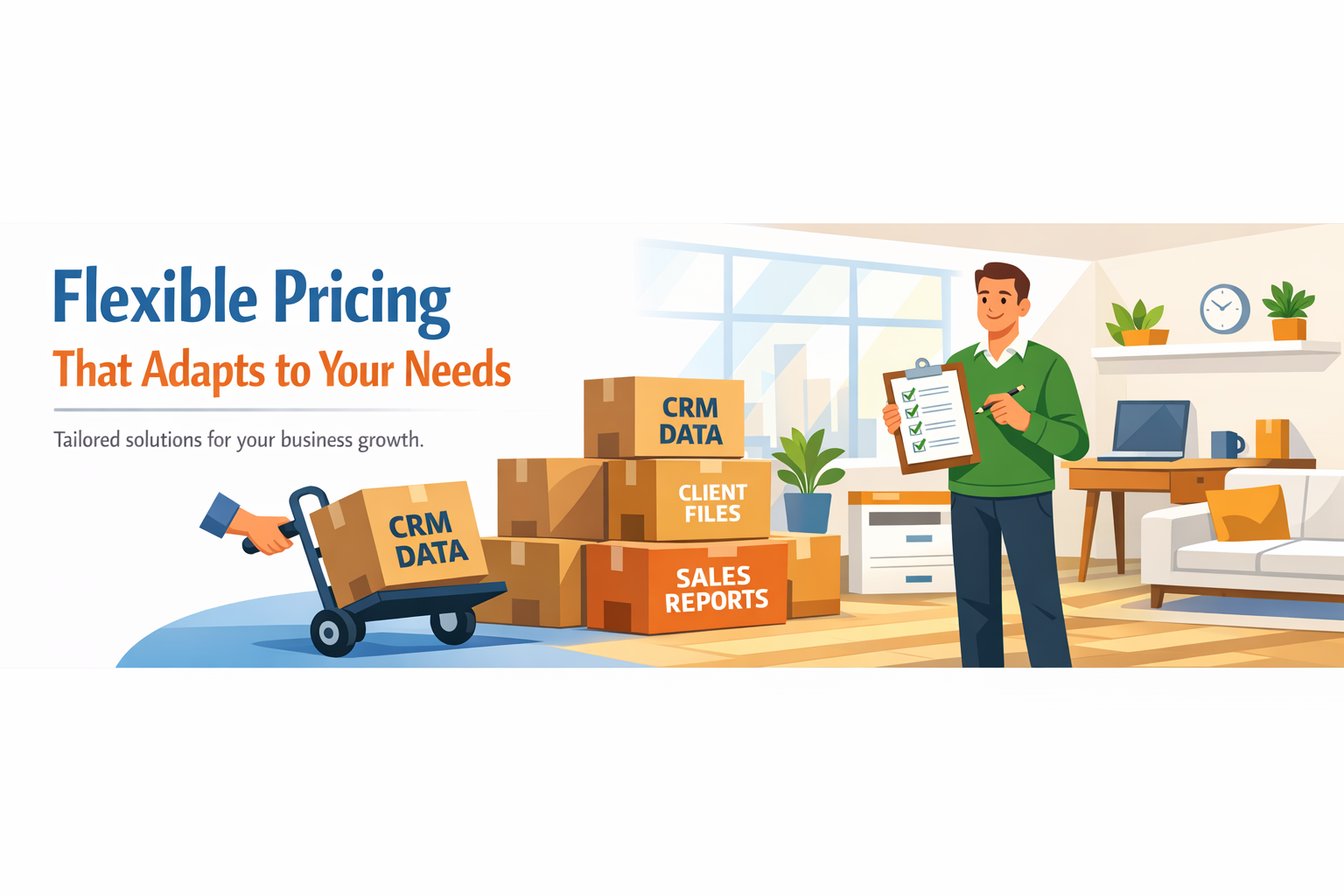
What makes MigrateMyCRM particularly compelling is their transparent, flexible pricing structure introduced in February 2026. Unlike one-size-fits-all solutions, their approach adapts to your specific migration requirements.
Basic Migration Plan
The foundation includes 10 migration runs with pricing based on your record count. This covers standard CRM migration projects requiring full dataset transfers without extensive customization.
Optional Features for Advanced Control
MigrateMyCRM offers powerful add-ons that give you precision control:
Data Filtering – Migrate only the records you actually need based on custom filter criteria. This reduces transfer volume and can lower costs significantly. Priced at just 10% of your Basic Migration cost, it's an efficient way to streamline your migration.
Update Matched Records – Perfect for handling duplicates intelligently. This feature updates records that already exist in your target system, with matched records included in price calculations when updates are requested. You receive 5 additional migration runs beyond the standard 10, allowing multiple update cycles as needed.
Update Properties – Need to adjust field mappings after migration? This feature lets you modify mappings and selectively update specific fields without disrupting your existing migration results. At a fixed $149, it offers flexibility without complex pricing calculations.
Delta Migration – Business doesn't stop during migrations. This powerful feature captures incremental changes—data added or modified since your last full migration. Priced at 15% of your Basic Migration cost, it includes 5 additional runs so you can perform delta migrations multiple times, ensuring no team changes are lost during the transition period.
Why MigrateMyCRM Stands Out
The real magic of MigrateMyCRM lies in its combination of simplicity and sophistication:
- Zero Downtime: Your current platform continues operating normally throughout the migration
- Smart Mapping: Advanced data mapping ensures accuracy and customization
- Risk-Free Testing: Free Sample Migration lets you validate everything before committing
- Transparent Pricing: Clear, flexible pricing based on what you actually need
- Multiple Runs: Basic plan includes 10 migration runs, with additional runs available through optional features
- Incremental Migration: Delta migration keeps your data current during extended transitions
Whether you're migrating 1,000 records or 100,000, MigrateMyCRM scales to your requirements without unnecessary complexity.
Your Path to a Successful Migration
CRM data migration might seem daunting, but it doesn't have to be. With proper organization, the right tools, and a clear plan, you can move from your old system to a new, more powerful CRM without the typical headaches.
Remember: thorough preparation is your best investment. Clean data, clear mapping, and the right migration partner transform what could be a chaotic process into a strategic upgrade.
Ready to make your move? Start with the checklist, test with a sample migration, and leverage tools designed to make your transition seamless. Your new CRM home is waiting—and with MigrateMyCRM, your data will fit perfectly.
Learn more about MigrateMyCRM's Migration Wizard and explore flexible pricing options at migratemycrm.com



.svg)



