
.webp)
Table of Content
- The Business Case for HubSpot Pipedrive Integration
- Planning Your Pipedrive HubSpot Integration: What You Need to Know
- Understanding Bidirectional Data Flow
- Workflow Transformations with Integration
- Handling Integration Challenges Effectively
- Advanced Integration Strategies
- SyncMatters: Enterprise-Grade Pipedrive HubSpot Integration
- FAQ: Pipedrive and HubSpot Integration
Integrating HubSpot with Pipedrive can streamline sales and marketing workflows. A well-planned HubSpot Pipedrive integration reduces manual data entry, keeps customer data consistent, and enables automation. This guide by the SyncMatters team covers key steps and best practices to ensure your integration runs smoothly and helps teams work more efficiently.
The Business Case for HubSpot Pipedrive Integration
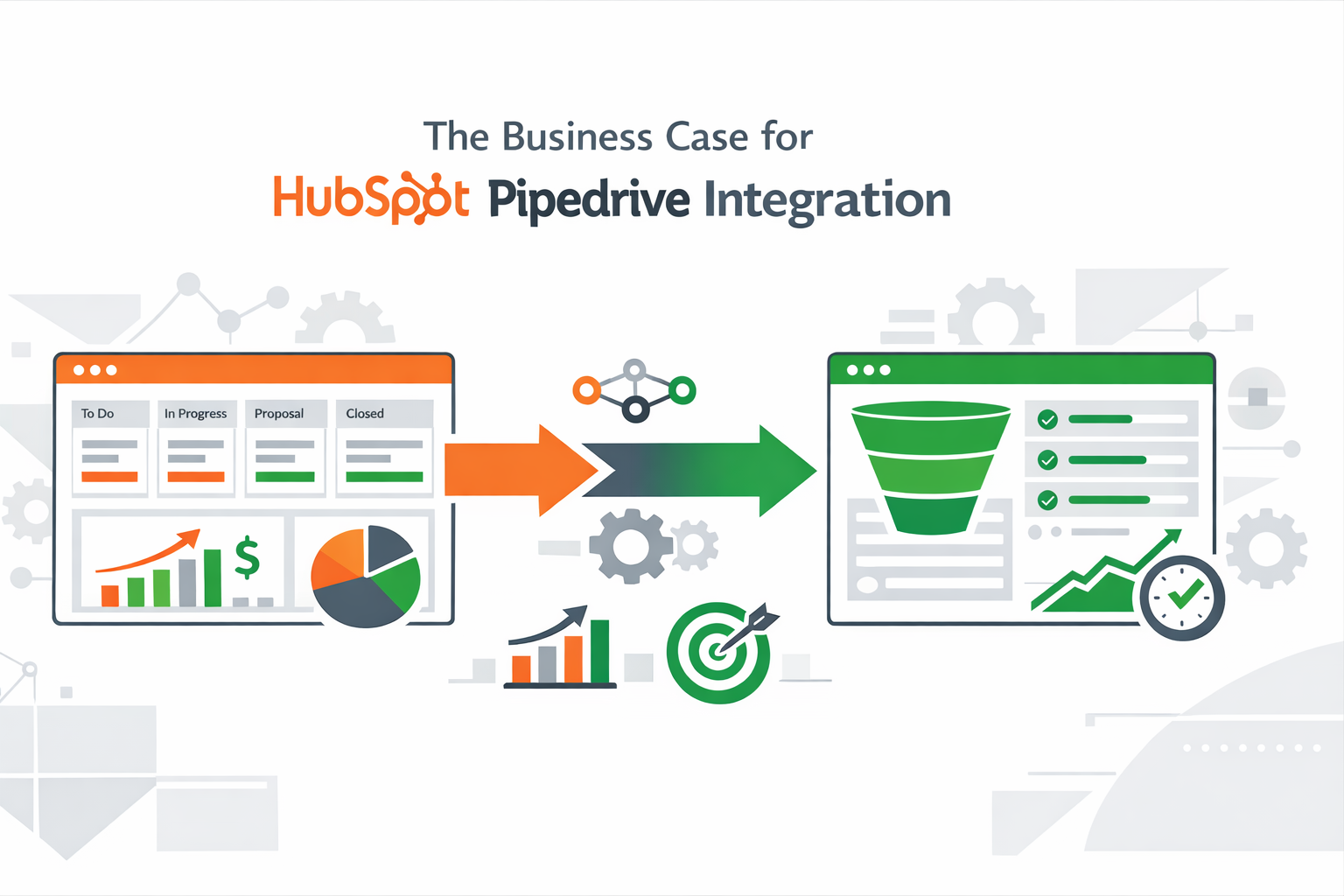
A Pipedrive and HubSpot integration helps businesses streamline their CRM processes by connecting sales and marketing efforts. Pipedrive manages your sales pipeline efficiently, while HubSpot tracks marketing interactions. Together, they provide a unified view of customer data, enabling personalized outreach and faster follow-ups.
Automation between the two platforms reduces manual data entry and ensures accurate updates across systems. Teams gain better collaboration, smarter reporting, and a more efficient workflow. For companies aiming to save time and grow relationships, integrating HubSpot with Pipedrive is a practical and impactful solution.
Planning Your Pipedrive HubSpot Integration: What You Need to Know
Prerequisites and Account Requirements
Before setting up a HubSpot Pipedrive integration, confirm that both platforms have active accounts with the necessary permissions. It’s important to check subscription levels, as certain automation or sync features may only be available on higher-tier plans. Ensuring access to admin settings on both sides allows you to configure integrations fully without interruption. Having a clear understanding of which teams will use the integration also helps in planning data flows and responsibilities.
Choosing the Right Integration Approach
Selecting the correct integration approach is crucial. You can use a native connector for basic syncing, a third-party integration tool for more flexibility, or a custom API solution for highly tailored workflows. The choice affects cost, complexity, and the range of automation options available. Consider the size of your CRM database, the number of pipelines, and whether you need real-time updates versus periodic syncs.
Data Mapping Strategy
Proper field mapping ensures that information transfers correctly between systems.
See an example in the table below:
|
HubSpot Field |
Pipedrive Field |
Notes |
|
First Name |
First Name |
Standard mapping |
|
Last Name |
Last Name |
Standard mapping |
|
|
|
Primary identifier |
|
Lead Source (Custom Field) |
Source (Custom Field) |
Use custom field mapping |
Mapping standard fields is simple; however, custom fields require careful planning. Decide which fields are essential, which can be ignored, and how updates should flow to prevent overwriting important data.
Sync Configuration Decisions
Determine sync direction (one-way or two-way), update frequency, and rules for automation triggers. Consider how new records should be created, which system has priority in conflicts, and whether certain records need exceptions. Proper configuration ensures that your HubSpot Pipedrive integration runs smoothly and avoids data duplication or errors.
Testing and Validation Process
A structured testing approach is critical to prevent issues:
- Sync a small batch of records to check mapping and workflow behavior.
- Verify that custom fields and standard fields match correctly.
- Confirm that automation triggers operation correctly.
- Ensure no duplicates or missing data appear in either system.
- Adjust configurations based on findings before rolling out to all users.
Following these steps creates a solid foundation, reduces errors, and ensures that your integration supports both teams effectively.
Understanding Bidirectional Data Flow
Bidirectional data flow ensures information moves seamlessly between platforms, keeping both systems aligned and up to date. When properly set up, it helps teams work from a single source of truth and avoid data gaps.
Contact and Company Synchronization
With bidirectional syncing, contacts and companies update automatically across tools. When details change in one system, the update reflects in the other, ensuring the sales team always has accurate customer information. This consistency helps streamline communication and follow-ups within the HubSpot CRM.
Pipeline and Deal Management
Deals and pipeline stages can sync between platforms, allowing teams to manage opportunities without switching systems. By taking time to configure deal rules and ownership settings, businesses ensure that the deal’s progress, values, and statuses remain consistent across workflows.
Activity Tracking Across Platforms
Calls, emails, meetings, and notes can be shared between systems, giving teams full visibility into customer interactions. This unified activity tracking improves collaboration, reduces duplicate work, and helps the sales team respond faster with better context, ultimately streamlining day-to-day operations.
Workflow Transformations with Integration
A well-configured Pipedrive HubSpot integration can significantly improve how teams manage leads, campaigns, and collaboration by removing friction from daily processes.
Automated Lead Qualification and Routing
Integration allows qualified leads captured in HubSpot to flow automatically into the correct Pipedrive account. Lead scoring and routing rules reduce manual data entry, ensuring sales reps receive ready-to-engage prospects without delays.
Marketing Campaign Attribution
Marketing data from HubSpot can be linked to deals in Pipedrive, making it easier to see which campaigns drive revenue. This visibility helps teams track performance through a shared dashboard, enabling smarter decisions based on real outcomes.
Sales and Marketing Collaboration
By sharing data between platforms, sales and marketing teams work within the same information space. Updates sync automatically, reducing misalignment and repetitive tasks. With fewer handoffs and less manual work, teams collaborate more effectively and focus on moving prospects through the pipeline.
Key collaboration benefits include:
- Shared access to contact, deal, and campaign data from a single dashboard.
- Automatic syncing of updates between HubSpot and each Pipedrive account, keeping teams aligned.
- Faster handoffs as qualified leads move smoothly from marketing to sales.
- Clear ownership and accountability across both teams.
This connected workflow helps teams collaborate more efficiently and focus on revenue-driving activities.
Handling Integration Challenges Effectively
Even a well-planned integration can face challenges. Addressing them early helps keep your CRM platform reliable, accurate, and easy to use for both sales and marketing teams.
Resolving Data Conflicts
Data conflicts usually occur when the same record is updated differently across systems. To avoid confusion, it’s important to define clear data ownership rules before syncing.
|
Conflict Scenario |
Recommended Rule |
Result |
|
Contact updated in both systems |
Define primary system |
Prevents overwriting data |
|
Different deal values |
Use latest update priority |
Keeps revenue data accurate |
|
Custom field mismatch |
Align field formats |
Ensures clean synchronization |
|
Missing required fields |
Set validation rules |
Avoids incomplete records |
By setting these rules, teams can trust that the correct data flows consistently across the CRM platform, reducing errors and manual fixes.
Managing Duplicate Records
Duplicate records often appear when contacts are created from multiple sources, such as forms, imports, or email marketing campaigns. To manage this effectively, enable duplicate detection based on unique identifiers like email addresses.
Regular audits help identify duplicates early, while automated merge rules prevent new ones from being created. It’s also important to standardize how data enters the system, especially from marketing tools, to maintain clean records.
By proactively resolving conflicts and duplicates, businesses ensure accurate reporting, smoother workflows, and a more reliable CRM platform that supports both sales activity and email marketing performance.
Advanced Integration Strategies
Once the basics are in place, advanced configuration can help businesses get more value from the HubSpot integration with Pipedrive. These strategies focus on improving efficiency, data accuracy, and long-term scalability.
One effective approach is using conditional automation rules. For example, you can trigger actions based on deal stage changes, lead status updates, or engagement levels. This ensures that follow-ups, task creation, and notifications happen automatically without manual intervention.
Another key strategy is refining data governance. Establish clear rules for data ownership, sync direction, and update priority to avoid conflicts as your system grows. This becomes especially important when managing large contact lists and multiple pipelines.
Custom workflows can also be built to support specific business processes. Whether it’s routing high-value leads, updating lifecycle stages, or syncing marketing insights into sales pipelines, tailored workflows help teams work more efficiently.
Finally, ongoing monitoring is essential. Regularly reviewing sync logs, automation performance, and data quality ensures the integration continues to support evolving business needs. By applying these advanced strategies, a HubSpot integration with Pipedrive becomes a powerful foundation for scalable, well-coordinated operations.
SyncMatters: Enterprise-Grade Pipedrive HubSpot Integration
SyncMatters delivers an enterprise-grade solution for businesses that need a reliable Pipedrive HubSpot integration. Built for scale, it connects sales and marketing systems using powerful tools designed for advanced automation and control.
SyncMatters enables secure, bidirectional data transfer between platforms, keeping contacts, deals, activities, and custom data fully aligned. Businesses can define sync rules, data ownership, and automation triggers to reduce manual work and prevent inconsistencies. This level of control is especially valuable for complex pipelines and growing teams.
Additional benefits include support for historical data syncs, advanced error handling, and scalable performance. Instead of relying on basic connectors, teams gain flexible workflows that adapt to their unique processes.
For companies seeking a dependable, enterprise-ready integration, SyncMatters provides the stability and customization needed to keep systems fully connected.
FAQ: Pipedrive and Hubspot Integration
Will HubSpot Pipedrive Integration Affect My Existing Workflows in Either Platform?
The integration enhances your current workflows by syncing data automatically without disrupting existing processes. The integration also reduces manual updates, allowing teams to focus on sales and marketing efforts.
Can I Control Which Data Syncs and Which Doesn't?
Yes, you can configure rules to determine what data flows between HubSpot and Pipedrive. The integration also allows selective syncing of contacts, deals, activities, and custom fields.
How Do I Handle Records That Exist in One System but Not the Other?
You can choose to create missing records automatically or flag them for review. The integration also ensures these decisions are consistent, keeping both systems aligned.



.svg)



