

Overview
HubSpot is a leading customer relationship management (CRM) and growth platform that offers a complete suite of tools for marketing, sales, customer service, and content management. It helps organizations attract and nurture leads, automate engagement, and track contacts as they move through the buyer journey. HubSpot also integrates with a growing ecosystem of productivity, project management, and financial applications—making it easier to align teams, streamline processes, and scale efficiently.
Deltek Vantagepoint is an ERP (Enterprise Resource Planning) and project-based business management software designed for professional services firms. It unifies operations across project management, accounting, resource planning, and client relationship management (CRM) in one platform. With real-time visibility into projects, budgets, and performance, Deltek Vantagepoint helps organizations improve profitability, manage resources effectively, and deliver projects on time and on budget.
The HubSpot–Deltek Vantagepoint integration bridges the gap between front-office marketing and sales operations and back-office project delivery and financial management, creating a seamless flow of data from prospect to project completion.
Install
Please note that since we offer a white-glove service, this guide provides a high-level overview. More details will be discussed during personalized communication as we configure the integration process for your business. Our team will ensure a seamless setup tailored to your specific needs.
⚠️ We strongly suggest filling out the Contact Us form on this page: Deltek Vantagepoint HubSpot Integration, and we assist with everything.
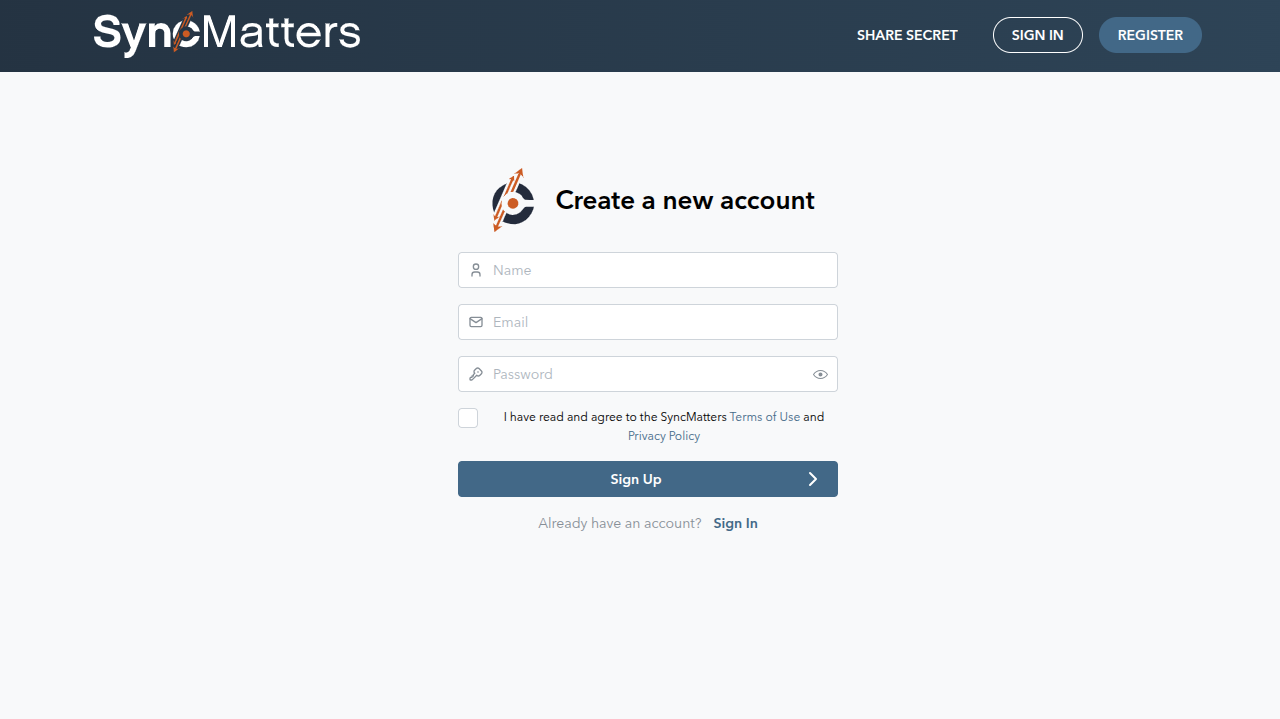
General flow could look like the following steps: Account Creation.
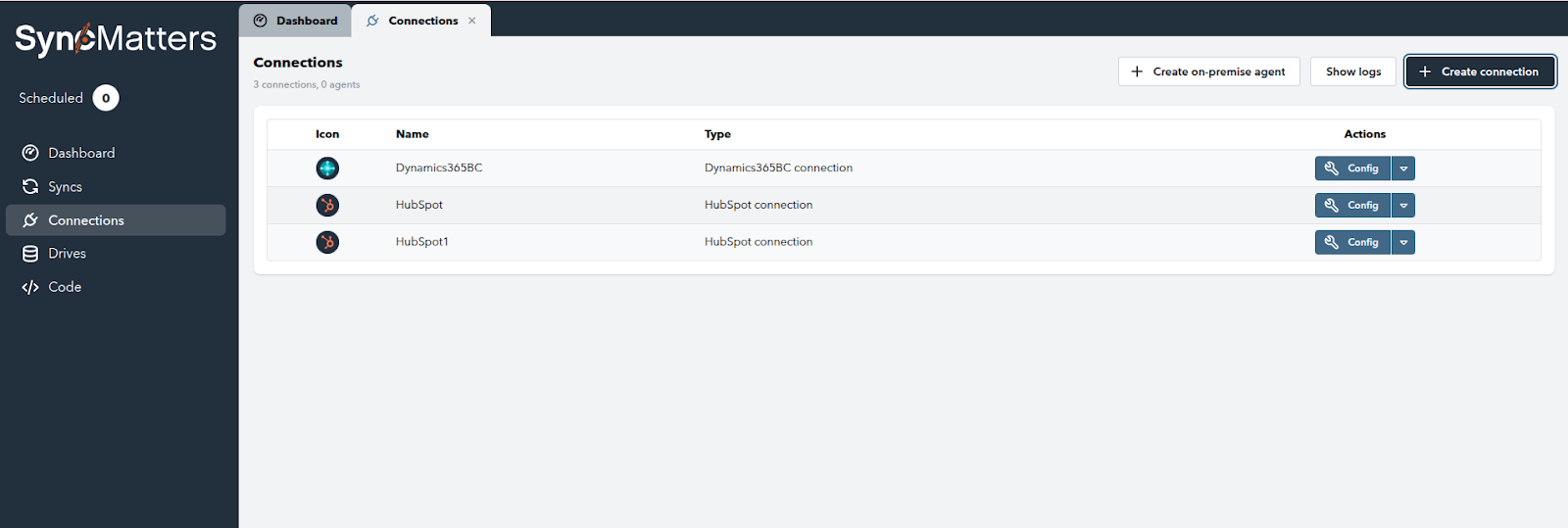
Then connect the system/connector: go to Connections and click the Create Connection button in the top right corner.
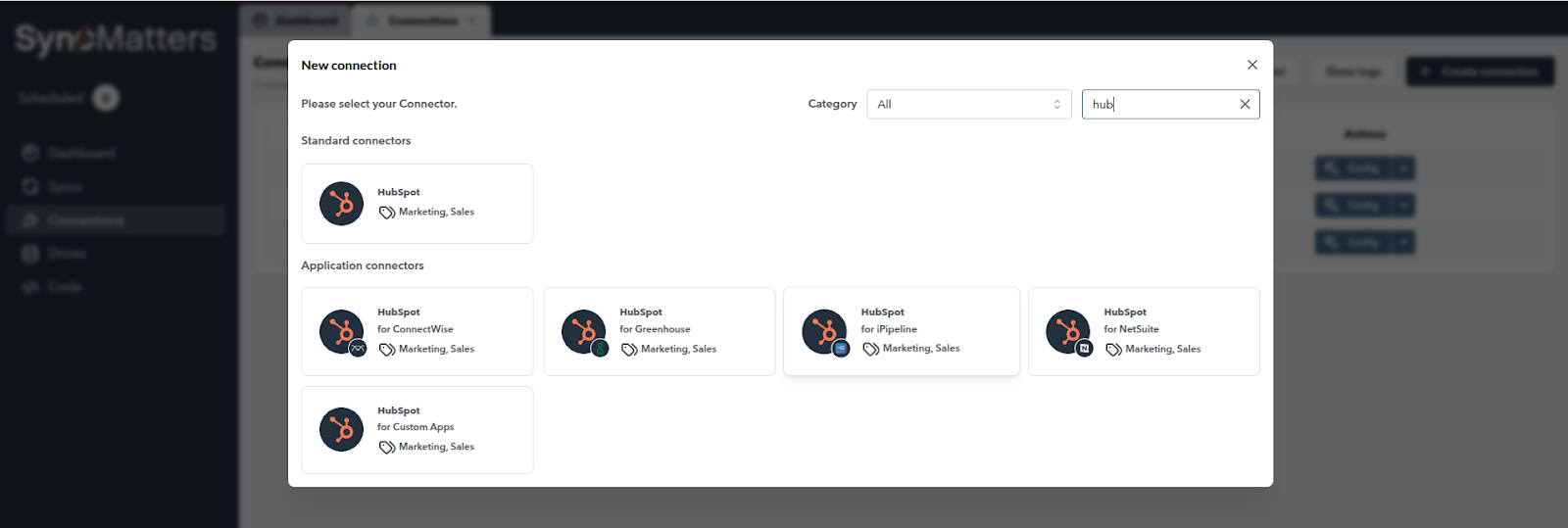
In our case, select HubSpot for Deltek Vantagepoint.
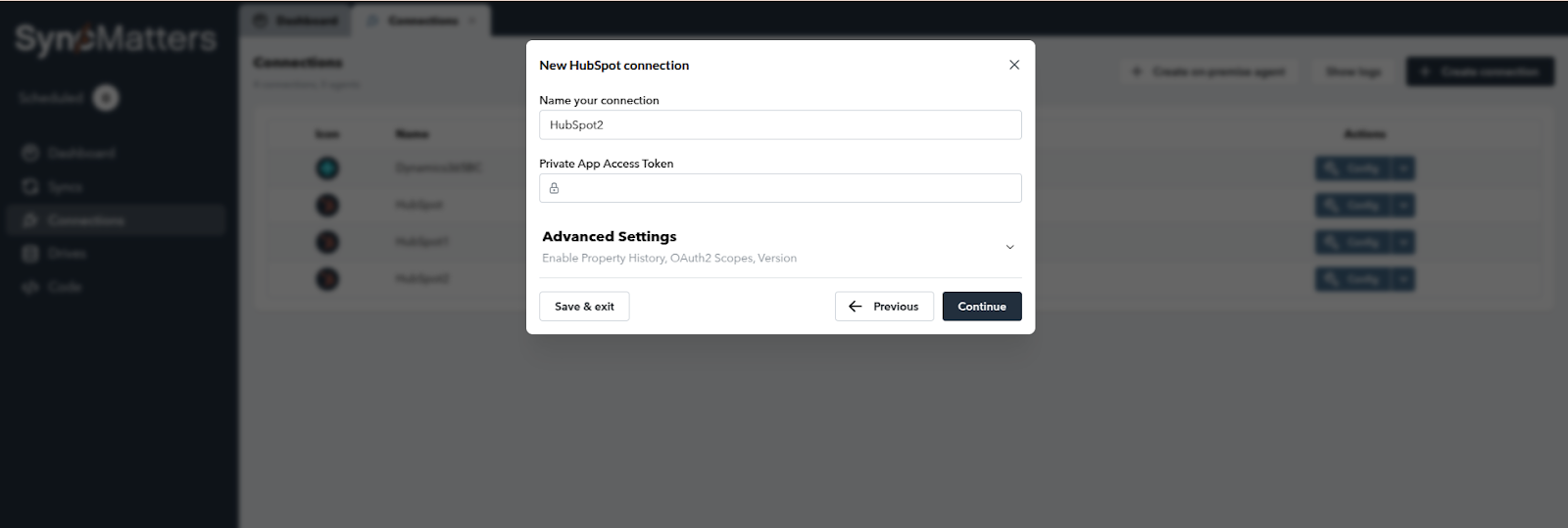
Since we offer a white-glove setup, we take care of the rest of the configurations. Please contact us for the next steps.
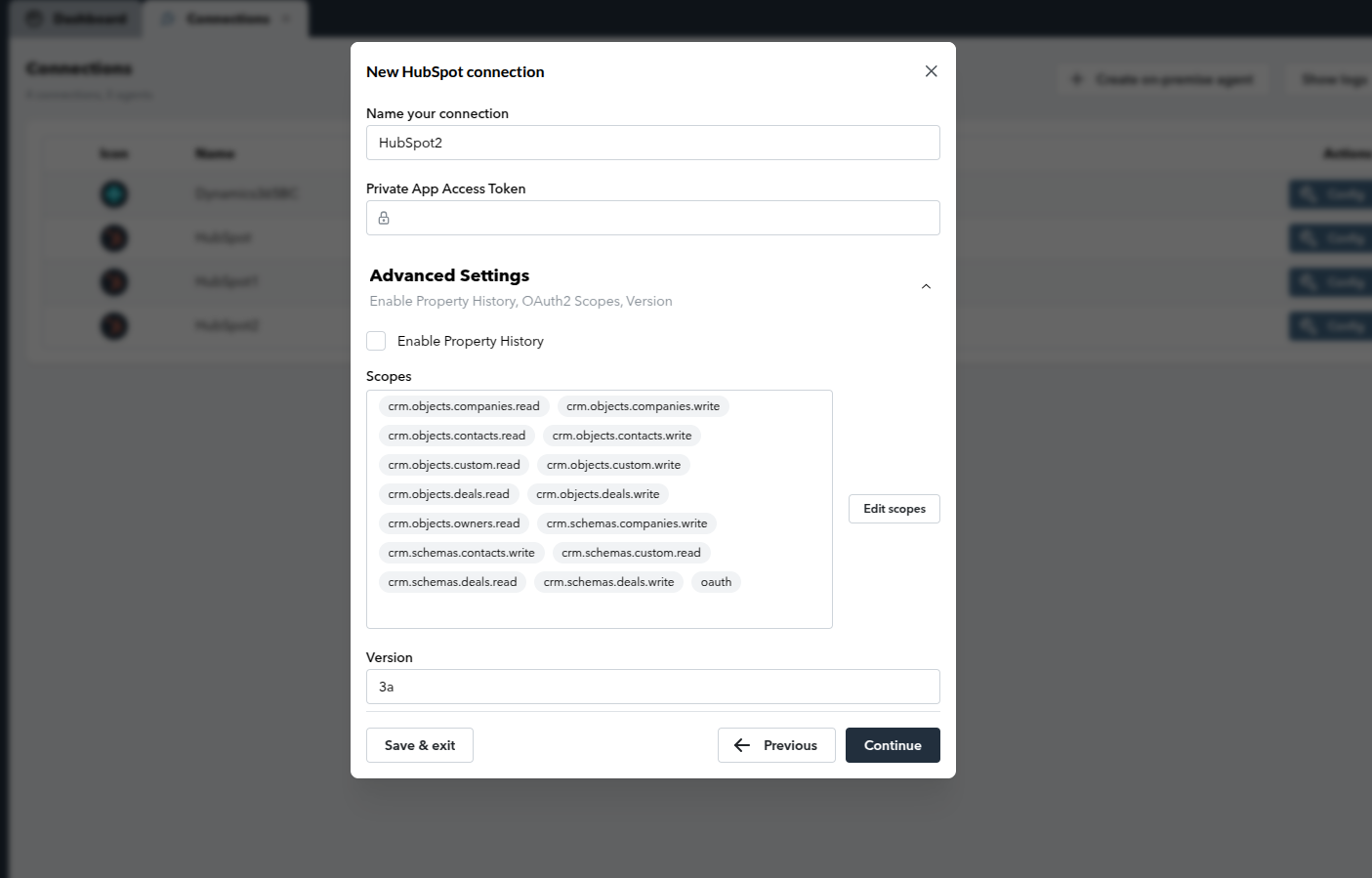
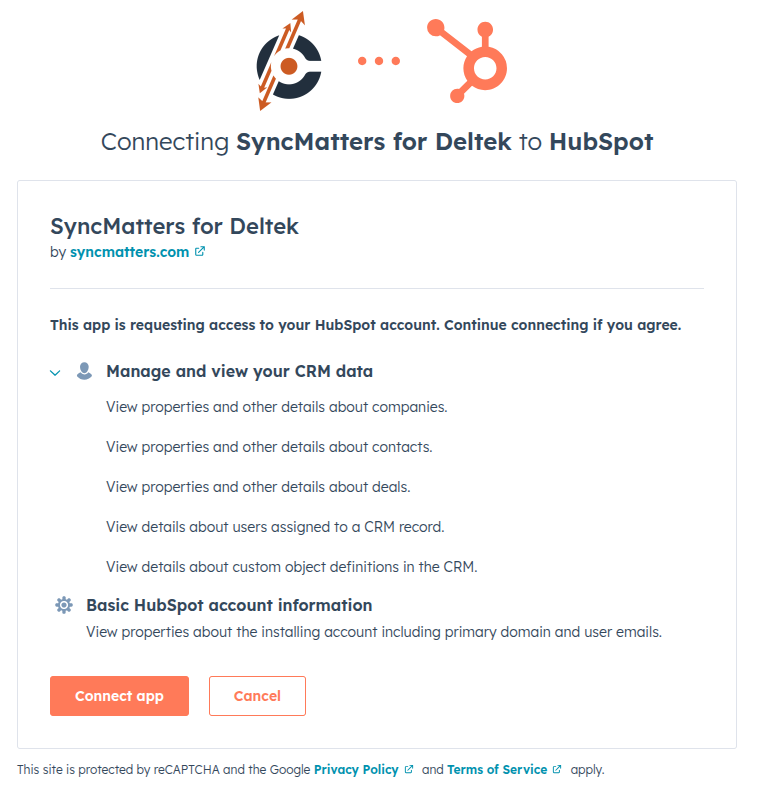
Here are a few steps on how we connect to HubSpot. In the Scopes section, we configure what our app can access.
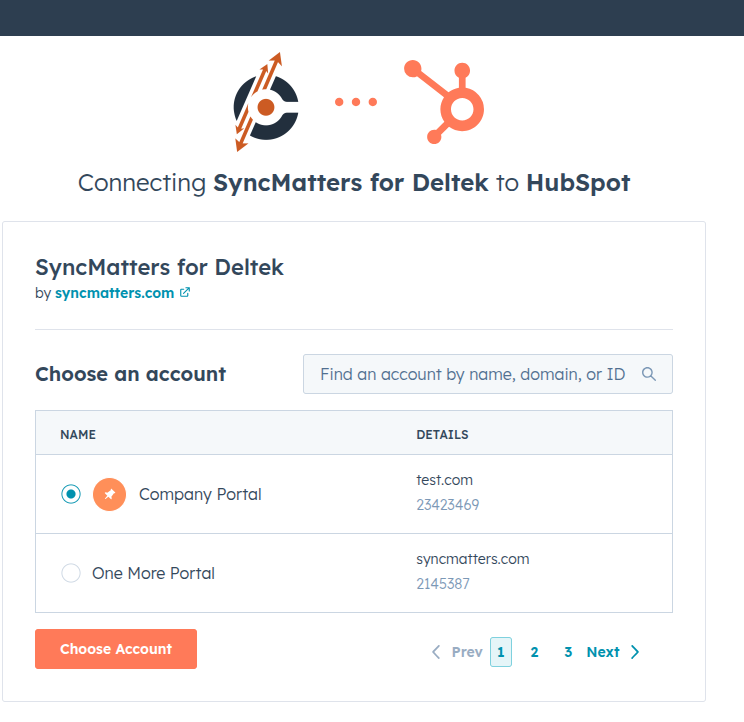
Pick the HubSpot portal to connect to our app and click Choose Account.
Configure
Our iPaaS solution offers customizable integration options. You can configure mappings and set up specific business rules to align with your unique operational requirements. Our dedicated team will be in touch with you regarding your business use cases and coordinate all configurations.
Use
Our dedicated team will reach out to discuss your business use cases and coordinate all necessary configurations.
Disconnect & Uninstall
To disconnect an app from your HubSpot account, follow these steps:
- In your HubSpot account, click the settings ⚙️ icon in the top navigation bar.
- In the left sidebar, go to Integrations > Connected Apps.
- Find the app you want to disconnect, click Actions, then select Uninstall.
- Type "uninstall" in the confirmation dialog and click Uninstall.



.svg)



